
Searching Cases by Name
Use the official Docket Search to look up a person, a business, or a lawyer. The name query is tied to a calendar date range, so it will not behave like a statewide party index with no limits. Set the location filter to San Miguel County first. For a person, type the last name, then the first; for a company, switch to Business mode; for counsel, use an attorney name or bar number. If you already know District or County Court, narrow the court type too.
- Open the Colorado Judicial Branch Docket Search and select San Miguel County.
- Choose Individual or Business, then enter the matching name fields.
- Select a useful date range and add Court Type or Courthouse when known.
- Run Find Dockets, review each case number, and verify the latest scheduled event.
The San Miguel County portal view demands at least one location or identity filter besides date. Results arrive 20 to a page. Adjust a broad search rather than treating page one as complete.
| Field Label | Type | Required | Notes |
|---|---|---|---|
| County | Dropdown | One location filter | Select San Miguel, value 57. |
| First and Last Name | Text | Optional | Used in Individual mode. |
| Business Name | Text | Optional | Replaces person fields in Business mode. |
| Court Type | Dropdown | Optional | Both, County, or District. |
| Date Range | Dropdown | Date required | Today through six months, or one specific date. |
San Miguel County Search Value 57
In the Colorado Docket Search, San Miguel County is county value 57. Pick it. The San Miguel County Courthouse option appears, and results stop drifting into other parts of the statewide calendar. The official docket link opens preset to a one-week range. You can widen that range or add court, case, party, and attorney fields. "Find Dockets" runs the query; "Clear Results" resets it. Print and export help for reference. Still, check any saved San Miguel County list again before a hearing. A reset can create a newer event. Remember the tool returns hearing cards, not a full case detail screen.
Searching by Case Number
A Colorado case number has three parts. There is a four-digit year, a case class, and a sequence of one to six digits. The search form splits them up. Take 2026CR25: enter 2026 as the year, pick CR, and type 25 as the sequence. Never paste dashes or other punctuation into boxes that expect separate values. Other San Miguel County formats you may see are 2026R73, 2025C30019, and 2026M2.
The class letter matters. CR means criminal. CV is District civil, and C is County civil. DR is domestic relations, PR is probate, M is misdemeanor, T is traffic, and S is small claims. The portal also lists CW, JD, JV, and R. When a code is unfamiliar, the filing court or clerk can sort it out.
San Miguel Party and Attorney Search
When the case number is a mystery, search by party instead. Business mode keeps an entity name from getting split across personal-name fields. Attorney mode accepts a first and last name. It also takes a bar number of one to six digits. Each route scans the San Miguel County hearing calendar inside your chosen date window. It does not reach every historic court filing tied to that person or lawyer.
Spelling and the time period can swing a San Miguel County result. Start with the full known name, then widen the dates. A party might sit under a formal business name or a different case class. If a known San Miguel County matter still fails to appear, call the filing court. Give the party name, an estimated filing year, and the case type.
What a Case Search Returns
A San Miguel County case search result is really a setting card. It identifies the case and the next event, nothing more. The full Register of Action and document images stay out of view. Party names can appear in the public result. Handle saved or exported lists with care, and check them against the current court source.
| Case Number | The year, class, and sequence, such as 2026T5005. |
|---|---|
| Name | The party or business label returned by the query. |
| Date and Time | The scheduled event date and start time. |
| Hearing Type | A label such as First Hearing, Arraignment, Setting, or PreTrial Conference. |
| Location | The court location, appearance field, and courtroom when populated. |
Status, charge history, judgment text, pleadings, and most financial details all sit behind another access layer. A blank appearance field proves nothing either way about whether the event is remote or in person.
San Miguel Results Stop at Hearings
The free San Miguel County search ends at calendar metadata. Colorado calls the chronological case index a Register of Action, or ROA. The official public-records Access Guide lays out the paid vendor route for real-time ROA access. It also warns that vendor results are neither comprehensive nor official.
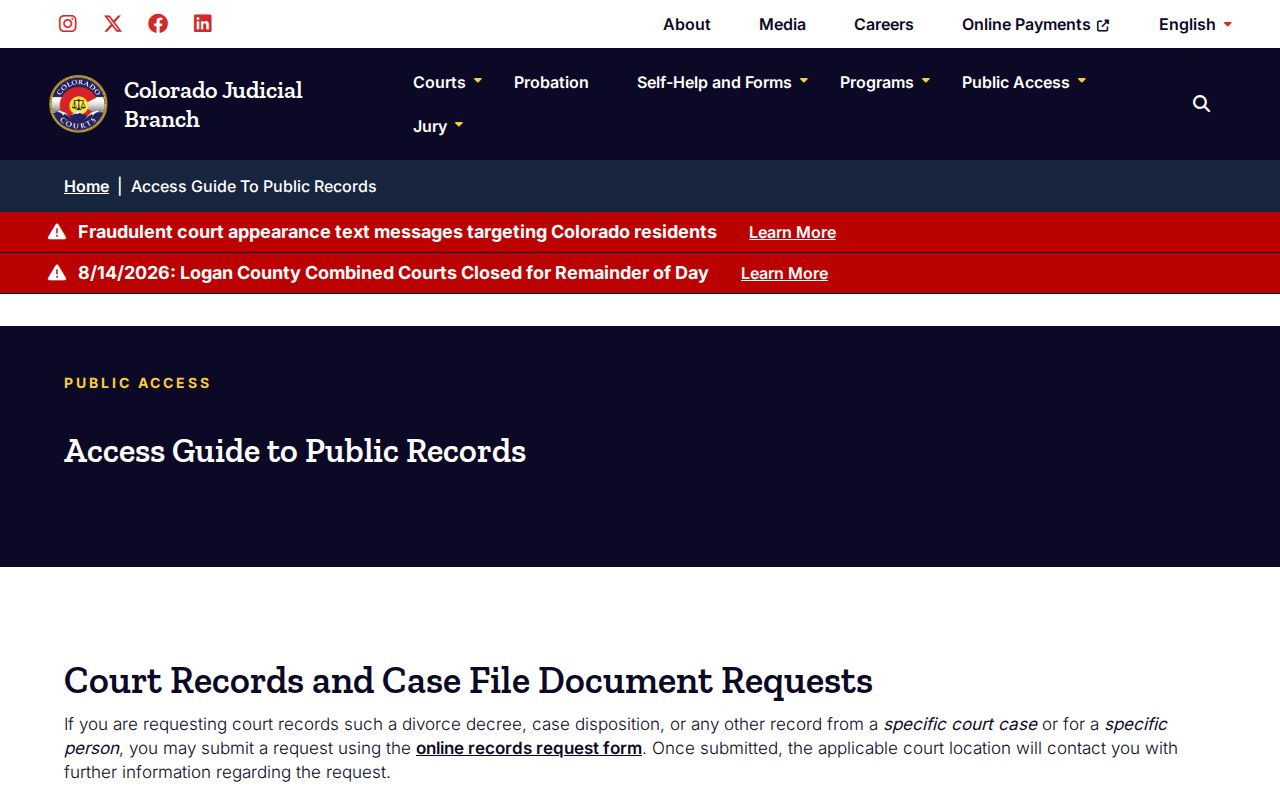
That split defines the whole routine. Use the free docket for settings, a vendor only for a convenient unofficial chronology, and the filing court for documents or a certified record.
Statewide vs County Case Search
San Miguel County does not run a separate public portal for its state District and County Court cases. The Branch-hosted Docket Search covers the whole state. Yet it filters down to the county. Official San Miguel County chronologies and documents are local in a different way. The filing court's clerk supplies them through the statewide request form, the counter, phone, mail, email, or fax. Municipal clerks, for their part, keep town-code files on their own.
| Statewide Calendar | San Miguel Clerk Route |
|---|---|
| Free scheduled-event search | Official ROA and document request |
| Name, business, attorney, or case-number filters | Case, party, year, and document identifiers |
| No filed document images | Plain, certified, or exemplified copies when releasable |
| District and County Court events | Combined Court files; town clerks retain municipal files |
Hunting a known local hearing? Start statewide and filter hard. For an official case history, find the number first, then use the clerk route.
San Miguel Case Access Rules
Access to San Miguel County court records follows a statewide rule. Chief Justice Directive 05-01 sets the framework for Colorado court files. The directive text spells out its five access levels: public, protected, restricted, suppressed, and sealed. The public gets reasonable access to the docket. remotely, though, some fields stay hidden. Contact data, victim and witness details, free text, and detailed financial information are all limited under the directive. Those limits come straight from the directive.
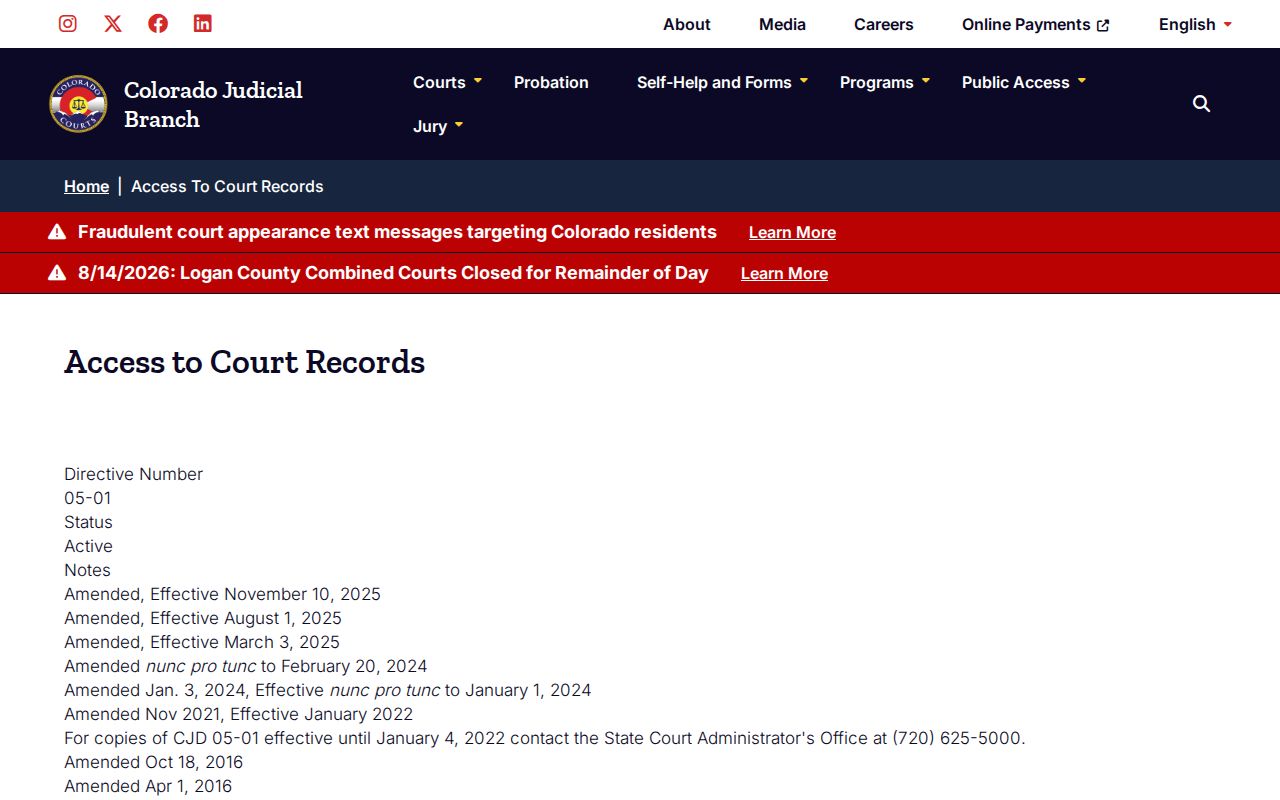
That explains a common puzzle in a docket search. An event can sit in public view while part of the file stays redacted, withheld from remote view, or open only to someone authorized to see it.
San Miguel Search Versus CCE
Colorado Courts E-Filing, known as CCE, is not a public case-search portal. It is a filing system. Attorneys file through it in many case types, and a self-represented user may register and opt into supported matters such as domestic relations or eviction. That access covers only the user's enabled case. CCE never becomes a public document library.
Statewide e-filing standards come from the directives themselves. The Chief Justice Directive search lists the rules that govern the system.
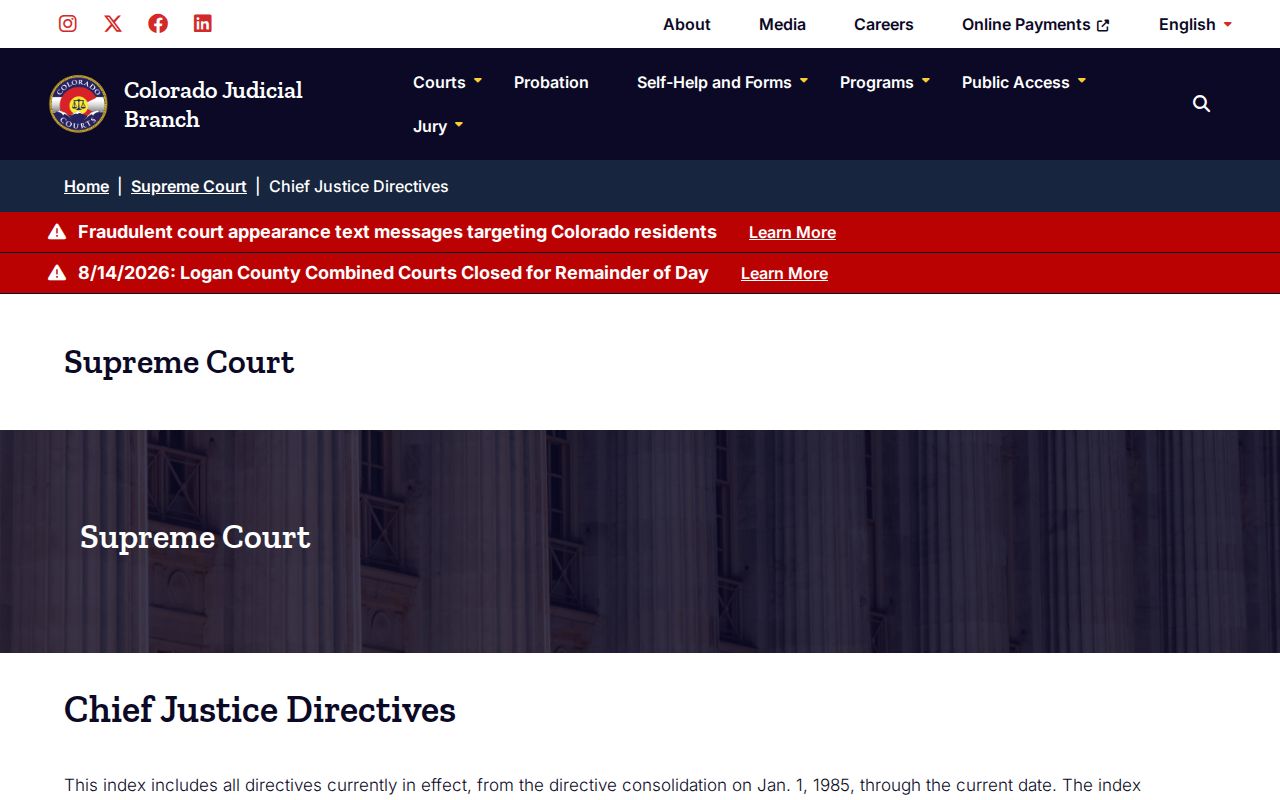
That e-filing directive marks a separate access lane. It concerns filing and authorized party access, not the free San Miguel County case search a visitor would use to find a public hearing.
Missing San Miguel Case Results
An empty result does not mean no case exists. The date window may cut off the hearing, or the case class may be wrong. A municipal citation may sit with Telluride, Mountain Village, Norwood, or Ophir instead. Juvenile, sealed, suppressed, protected, and probate information all carry tighter access. Older files may require actual-cost off-site retrieval.
Widen the calendar range first. Then check the court type, the name mode, and the number parts. The San Miguel Combined Court overview covers District and County Court matters. The phone line answers at 970-369-3310. The San Miguel County courthouse listing adds the second-floor counter, P.O. Box 919, SanMiguelClerk@judicial.state.co.us, and fax 970-728-6216. For a municipal file, contact the issuing town clerk.
Note: Give the clerk a case number. Or give the party, case type, and likely filing year. That cuts down avoidable name-search work.
San Miguel Search to Official Record
The official route runs in three layers. First, find the hearing in Docket Search. Second, buy a convenient ROA from a vendor linked only in the Access Guide. That works if the nonofficial view is enough. Third, for the maintained record, send the statewide court record and document request to San Miguel Combined Court. Pick the ROA or a named filing. Ask for certification whenever a formally authenticated copy is required.
The San Miguel County request form takes a case number, type, filing year, location, date of birth, and party details, among other identifiers. Expect an answer within three business days unless circumstances require more time. Protected, juvenile, probate, or confidential items may demand photo identification and proof of authority. The clerk charges copy, search, certification, research, redaction, postage, and archive fees. Those fees are documented in the official schedule.
San Miguel State or Federal Search
Federal cases never appear in Colorado's Docket Search. Federal matters involving San Miguel County belong to the U.S. District Court for the District of Colorado. They are searched through PACER. Those dockets use numbered chronological entries with links to filed PDFs. That design differs from the state tool's event cards. Bankruptcy goes to the U.S. Bankruptcy Court for the District of Colorado.
CourtListener and its RECAP archive offer contributed federal docket material at no charge. Coverage is incomplete, though. The archive is not the official court record.
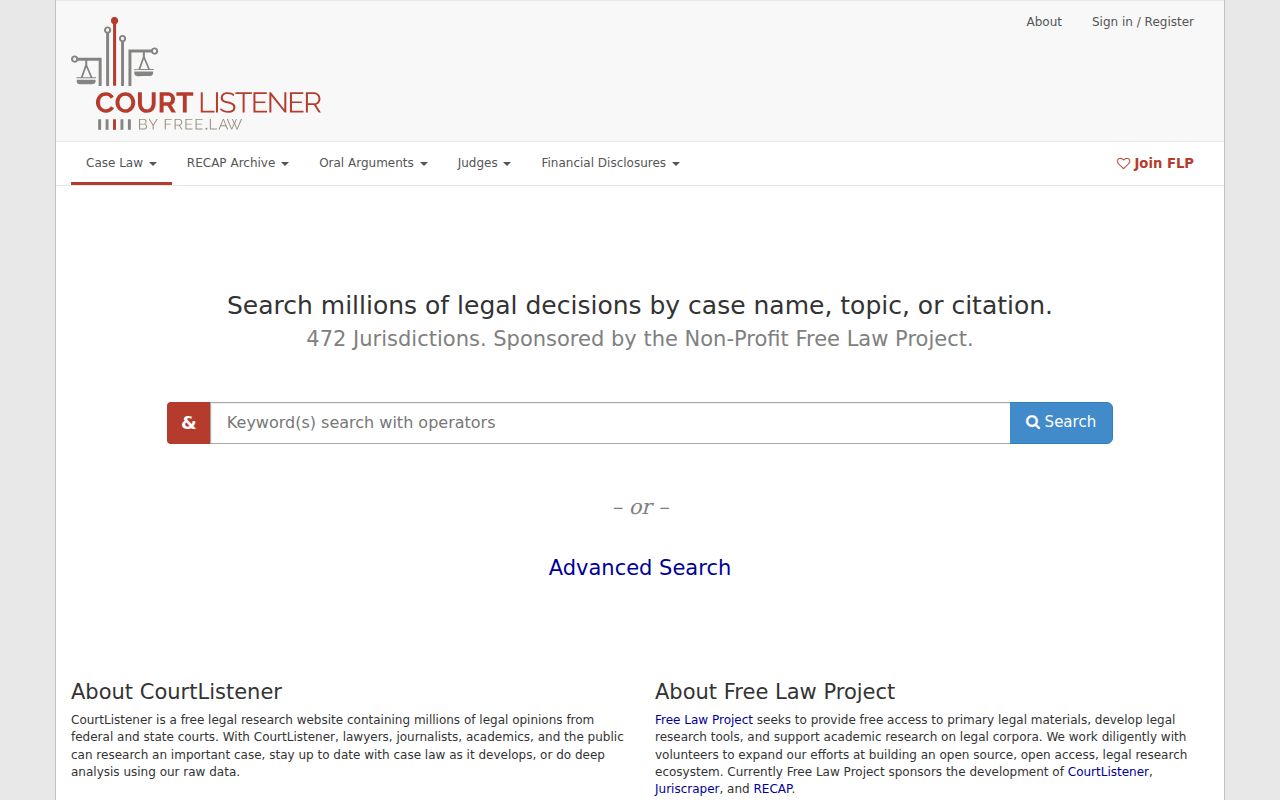
That archive is a research aid, nothing more. It stands apart from the Colorado state calendar and from San Miguel Combined Court's official record channels.
Access and Restricted Cases
Public records are open to anyone. Protected records turn public only after required redaction. Restricted records stay with court staff, parties and counsel, and specified criminal-justice agencies. Suppressed records have a narrower audience. Sealed records go only to judges and Judicial Branch staff. A public docket search is built to respect each of those boundaries.
The automatic sealed-case search is narrow too. It serves a defendant checking certain automatic sealing under Colorado law. It demands detailed identity information plus a declaration under penalty of false swearing. It will not answer every sealing question. Juvenile records have separate limits, and domestic or probate access can require identity and authorization. Authorized people should contact the court that keeps the file. Guessing at status from silence helps no one.
A missing hit is not a legal conclusion. It may reflect access rules, a municipal file, an archive, a different class, or a date-range mismatch.